Polygons, pixels, and vectors are the three fundamental ways to build game visuals. They aren’t competing techniques—they’re entirely different approaches to creating images, each with unique strengths.
Polygons are triangles (and the quads/n-gons that get split into triangles). A 3D model is a mesh of polygons with vertices connected in space. The GPU transforms these vertices, rasterizes them into fragments, and runs shaders to determine final colors. Polygons describe shape—the geometry of a sword, the curve of a face. They scale well (higher resolution shows more detail) but require more processing.
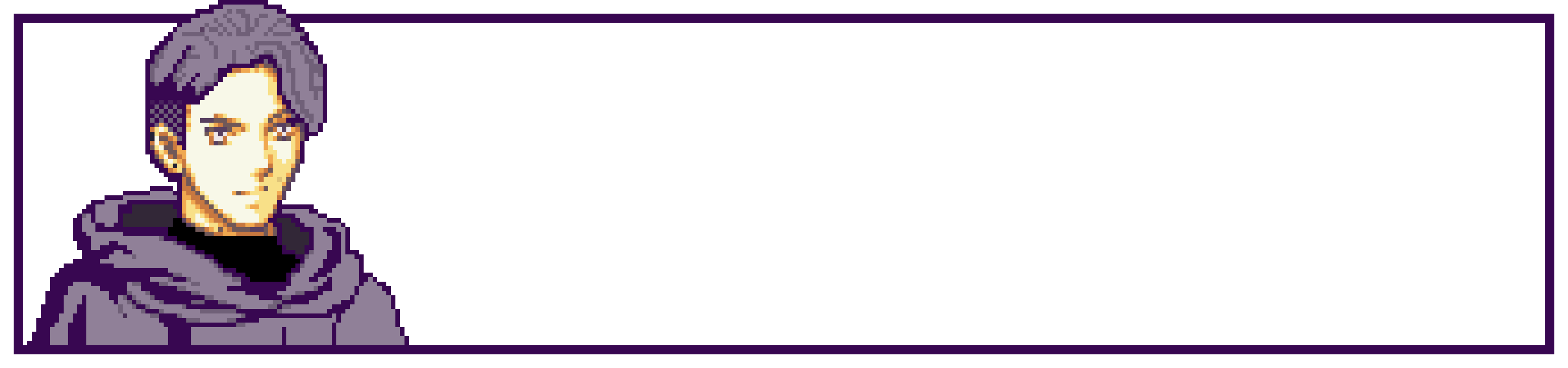
Pixels are the colored squares of 2D raster images. Pixel art is deliberately placing these squares to create characters and scenes. There’s no geometry being transformed—just a grid of colors. Pixel art is about control—every dot is hand-placed, creating crisp, readable silhouettes even at tiny sizes. It doesn’t scale well (enlarge it and you see chunky squares), but it’s cheap to render and oozes style.
Vectors are mathematical descriptions of shapes—curves defined by Bezier splines, points connected by lines, fills and strokes. Unlike pixels, vectors have no inherent resolution. Scale a vector heart from 10 pixels to 10,000 pixels and it’s still perfectly smooth. Vectors excel at clean, scalable 2D graphics—UI elements, logos, cartoon-style characters. Games like Osmos or World of Goo use vector art for organic, fluid visuals. The trade-off: complex vector scenes can be slower to render than polygons or pixels because the CPU/GPU must tessellate curves into triangles in real-time.
When to use which:
- Polygons for 3D worlds, dynamic cameras, realistic lighting, skeletal animation
- Pixels for 2D games, retro aesthetics, tight control over readability, smaller file sizes
- Vectors for clean 2D art that needs infinite scaling, UI elements, abstract or cartoon styles
The hybrid approach: Many modern games blend all three. A 2D platformer might use polygonal backgrounds with normal maps for lighting, pixel art characters, and vector UI elements. Or a 3D game might use vector textures that stay crisp at any distance.
Pick polygons when you need dimensionality. Pick pixels when you want handcrafted control. Pick vectors when you need infinite scalability and clean curves. None are “better”—they solve different problems.